


iPhone
The Hardware You’ll Need to Run Apple’s 2023 Operating Systems
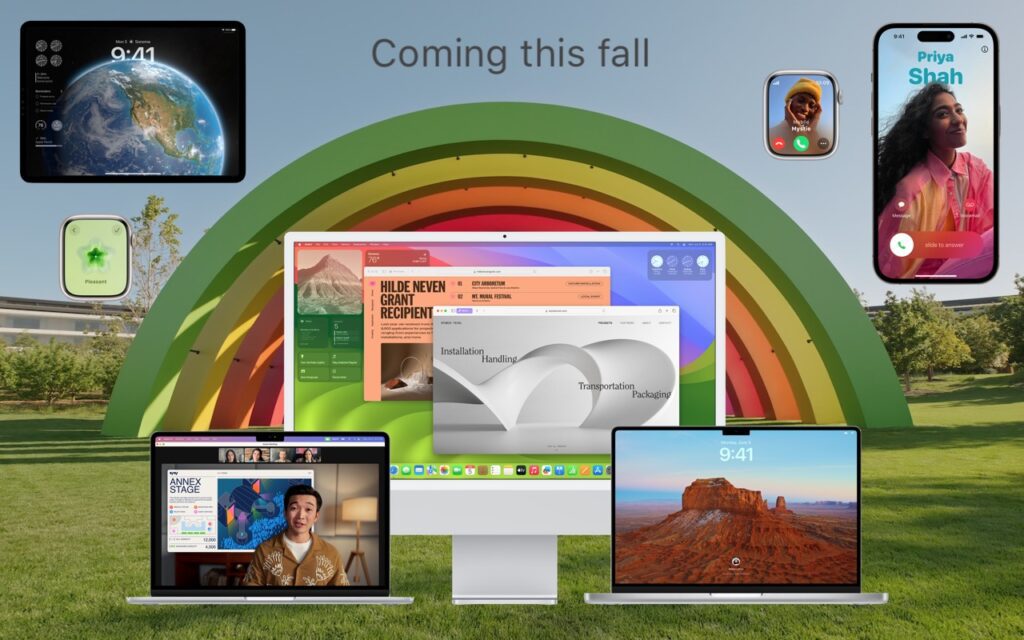
At Apple’s Worldwide Developer Conference in June, the company unveiled the upcoming versions of its operating systems: macOS 14 Sonoma, iOS 17, iPadOS 17, watchOS 10, and tvOS 17. They won’t be available until September or October of 2023, and even once they ship, we recommend waiting a few weeks before upgrading your smaller Apple […]
Read MoreAirNow and Paku: Two Helpful Apps for Monitoring Air Quality

Smoke from wildfires is causing significant air quality problems for much of Canada and the US. It’s important to check the Air Quality Index (AQI) before spending a long time outside, and that’s especially true for sensitive populations (children, the elderly, anyone with asthma or other breathing issues) and for those exercising outdoors. Although numerous […]
Read MoreAt WWDC23, Apple Releases New Macs, Previews New OS Features, and Unveils Vision Pro

Apple’s Worldwide Developer Conference keynote (full video or 2-minute recap) is primarily an opportunity for Apple to give developers a first look at new features coming in its operating systems, and this year was no exception. However, Apple sandwiched those feature reveals between announcements of new Macs and the unveiling of its mixed-reality Vision Pro […]
Read MorePrevent Quick Screenshots from Cluttering Your Photos Library on the iPhone and iPad

By default, when you take a screenshot (instructions for iPhone and iPad), it saves to Photos. But what if you don’t want something like a quick image of a map for a friend to clutter your Photos library? In iOS 16 and iPadOS 16, Apple has added new options. When you tap the screenshot thumbnail […]
Read MoreiOS 16.4 Adds Voice Isolation Feature to Improve Cellular Calls

In iOS 15, Apple added the Voice Isolation feature to FaceTime calls to filter out noise around you while you’re talking, which is a boon if you’re making a call in a loud space or outside environment. With the recently released iOS 16.4, Apple has now brought that feature to cellular calls as well, but […]
Read More“Juice Jacking” Returns to the News but Still Hasn’t Happened
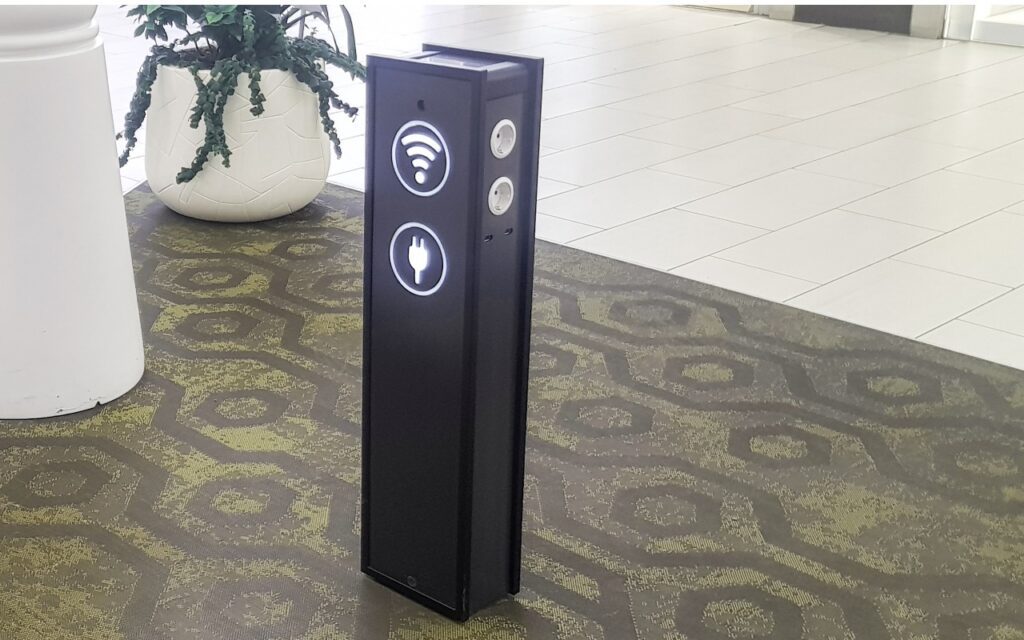
Much has been made in the media about a recent FBI warning about “juice jacking,” the theoretical act of installing malware on or stealing data from an iPhone connected to a public charging station. Researchers first demonstrated juice jacking in 2011 at the Defcon security conference. There’s no harm in following the FBI’s advice, but […]
Read MoreNeed to Back Up or Export a Messages Conversation? Try PDF or iMazing

Occasionally, we hear from a client who needs to document a Messages conversation with timestamps, perhaps as part of a lawsuit. The only way to do that on an iPhone or iPad is to take a series of screenshots, but if you have a Mac, there are additional options. The easiest approach is to select […]
Read MoreHow to Share a Contact Card without Sharing Everything in iOS 16

Apple makes it easy to share contact cards on the iPhone or iPad—just scroll down in a contact and tap Share Contact. But what if you don’t want to share every piece of data on that card? To avoid oversharing in iOS 16 or iPadOS 16, tap Filter Fields at the top of the Share […]
Read MoreMerge Duplicate Photos and Videos in iOS 16, iPadOS 16, and Ventura
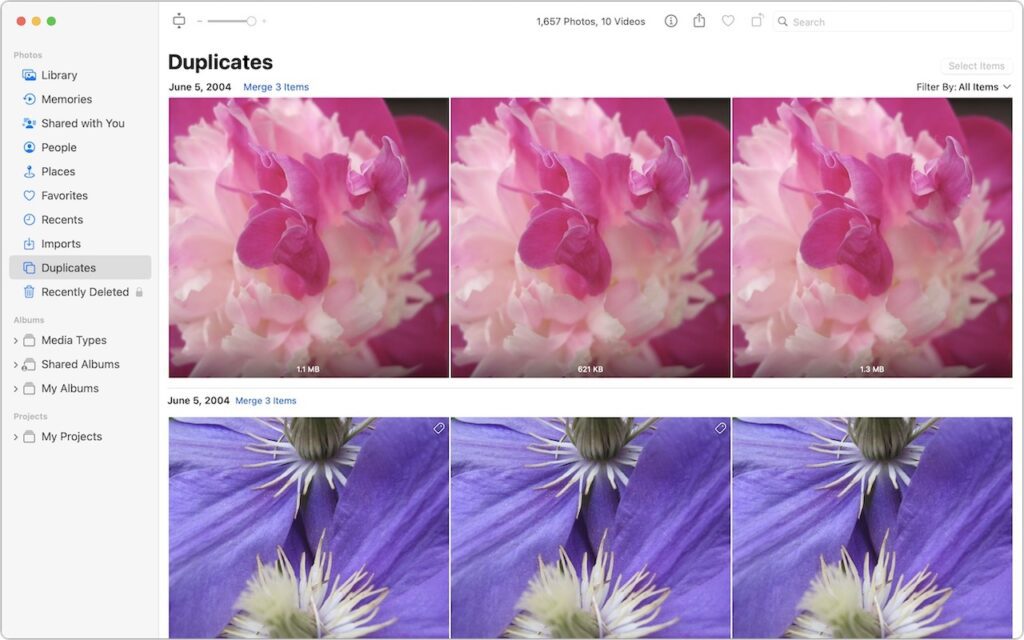
It’s all too easy to end up with duplicate photos and videos in your Photos library. The most common way is to use the Duplicate command, but we’ve seen duplicates appear due to accidentally repeated actions in other apps, repeated screenshots, multiple imports that include the same image (much as Photos tries to prevent this […]
Read MoreDelete Contacts More Easily in iOS 16 and iPadOS 16

Deleting contacts on the iPhone and iPad used to be a pain, especially if you wanted to trash multiple contacts. You had to open the contact, tap Edit, scroll to the bottom, and tap Delete Contact. Although you still can’t swipe left on a contact in a list, as you do when deleting in Mail […]
Read More